
Clean & Standard Windows Installation
Includes drivers, essential software, security configuration, and full optimization.
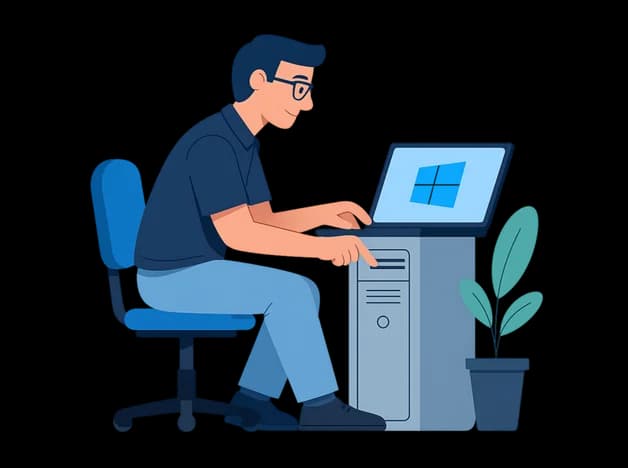
Why Choose Our Windows Installation
Fully Updated Installation
Latest Windows build with official drivers.
Security & Protection
Security settings, antivirus setup, and safe configuration.
Optimization & Training
Performance tuning plus a short usage guide.
Windows Installation Steps
- Step 1
Check System & Backup
Review system needs and back up important data.
- Step 2
Clean Windows Installation
Correct edition selection and proper partition setup.
- Step 3
Drivers & Essential Apps
Install official drivers and necessary software.
- Step 4
Security & Final Setup
Updates, antivirus, optimization, and quick training.
Windows Installation FAQs
How long does it take?
Usually 45 to 90 minutes depending on the system.
Will my data be removed?
No. With proper backup and clean installation your data stays safe.
Which Windows versions do you install?
Windows 10 or Windows 11 based on your system and preference.