
Professional Antivirus Installation & Setup
Complete installation, activation, initial scanning, and advanced security configuration.
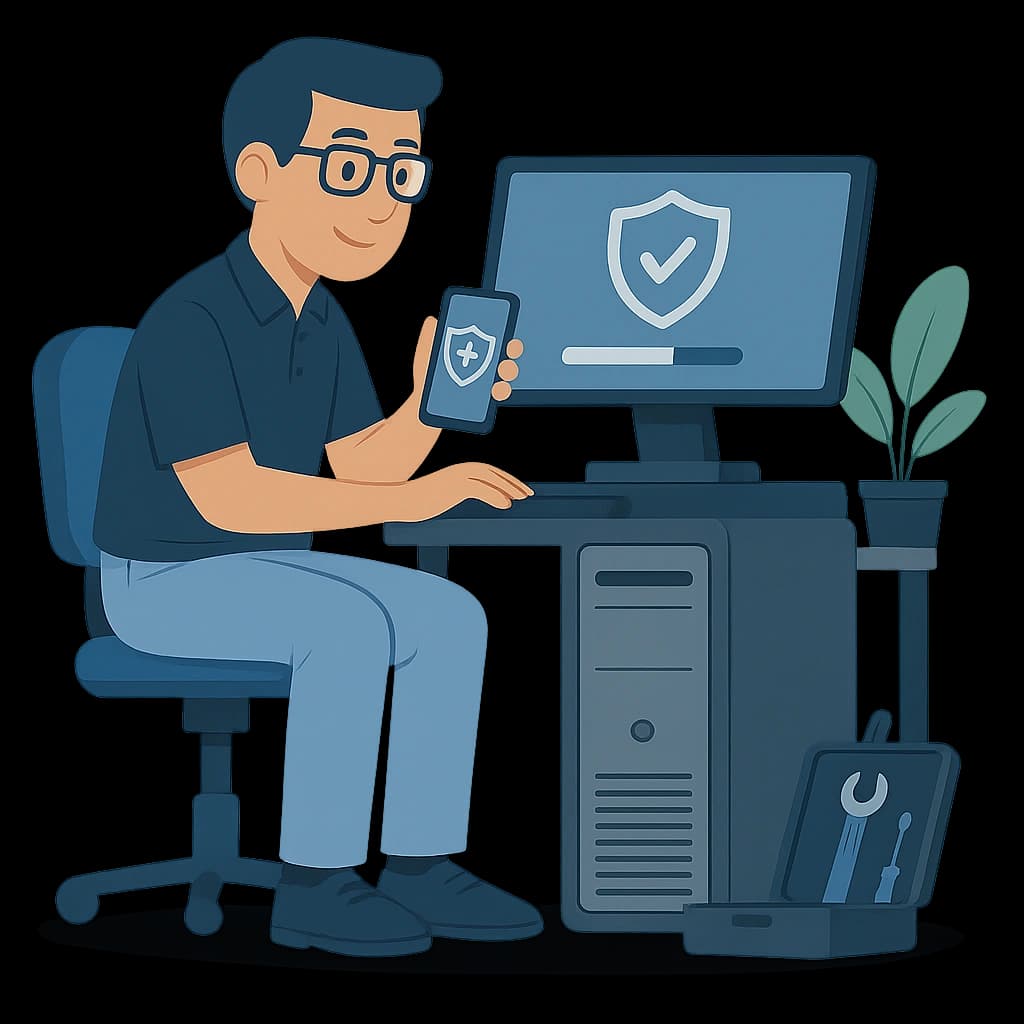
Why Choose Our Antivirus Setup
Complete System Protection
Professional configuration to block viruses, malware, and online threats.
Full Initial Scan & Cleanup
Thorough system scanning with safe removal of suspicious files.
Advanced Configuration
Optimized settings for better performance and continuous protection.
Antivirus Installation Process
- Step 1
Security Assessment
Checking system security and identifying potential threats.
- Step 2
Installation & Activation
Installing an official, safe version with full activation.
- Step 3
Initial Scan & Cleanup
Scanning the system to detect and remove harmful files.
- Step 4
Advanced Settings & Handover
Optimizing performance, configuring protection, and a short walkthrough.
Antivirus Installation FAQs
Which antivirus do you install?
Depending on your needs: Kaspersky, Bitdefender, ESET, Windows Defender, and other trusted brands.
Will it slow down my computer?
No — with proper configuration, the antivirus runs efficiently without reducing performance.
How long does the process take?
Typically 30–60 minutes depending on scan type and system condition.